by P&T BROS | Mar 8, 2016 | Android & iOS, Blog, iOS Tips
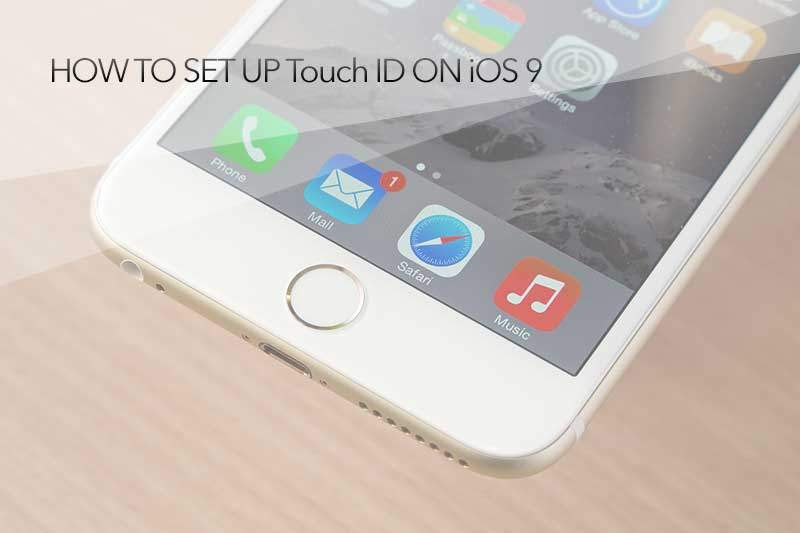
Hello Everyone, today we are going to share you guys how to enable Touch ID feature on your iPhone or iPad (iPhone 6, 6 Plus, 6s, 6s Plus, iPad Air 2, iPad Mini 4). The good things for Touch feature is that you don’t have to put your password on the lock screen...

by P&T BROS | Oct 26, 2015 | Android & iOS, Blog, iOS Tips |
Are you having a battery problem with your iPhone 6, 6s, 6 plus, 6s plus? it doesn’t last longer? Today we would like to share some tips to maximize your iPhone battery life. It will be very useful tips when you are traveling or when you are at a place that...

by P&T BROS | Oct 17, 2015 | Android & iOS, Blog, iOS Tips
There are two ways to back up files on your iPad. The first way is to back up your iPad using iTunes and the second way is to back up your iPad using an iCloud. Today we are going to share how to back up your iPad using iCloud back up method. The good thing about...

by P&T BROS | Oct 16, 2015 | Android & iOS, Blog, iOS Tips, Mac Tips, Windows & Mac
Today we are going to share how to send and receive files, pictures, and songs between Macbook and iPhone or iPad using AirDrop. It’s very convenient to use AirDrop to share files between Mac OS X and iOS. the most good thing about using AirDrop is that you...

by P&T BROS | Oct 16, 2015 | Android & iOS, Blog, iOS Tips
What method do you use to transfer pictures on iPhone and iPad? Have you ever heard about AirDrop? Do you want to know how to use it? Generally when we try to transfer pictures to a tablets from a cellphone, we used to download pictures from a cellphone to a computer...
by P&T BROS | Oct 14, 2015 | Android & iOS, Blog, iOS Tips |
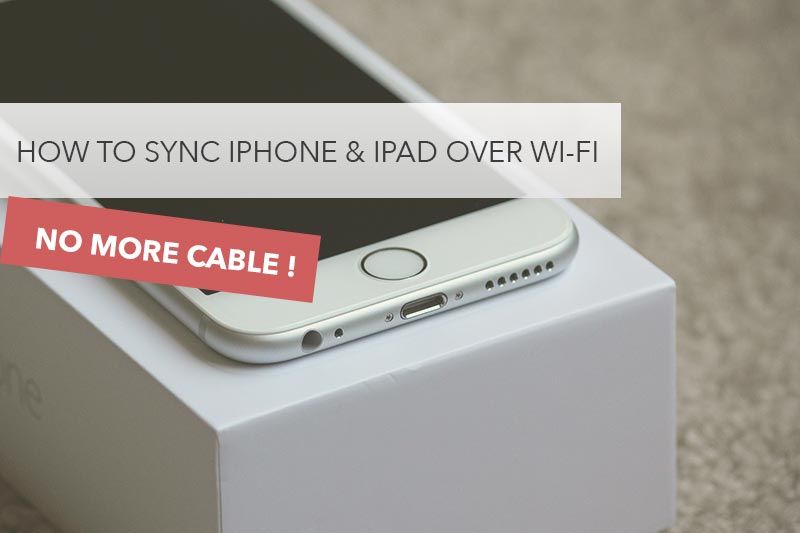
Today we would like to share how to sync your iPhone 6, 6 Plus, 6s, iPad Air, Mini, iPod with iTunes more easier. To transfer musics or photos from iPhone and iPad, We used to use a cable to connect iPhone and iPad to Macbook or PC, but if you connect them over Wi-Fi,...