by P&T BROS | Oct 27, 2014 | Blog, Mac Tips, Windows & Mac |
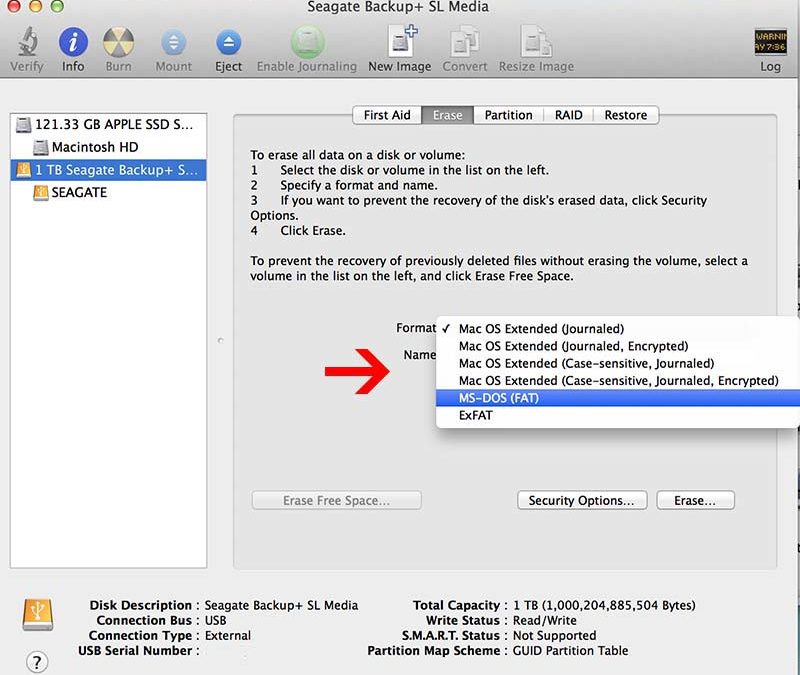
Today, We are sharing how to format your USB or External Hard drive to FAT32 or exFAT on MAC OS X. Here is the reason that you should format your USB & External to FAT32 or exFAT. If your USB or External Hard drive was used on windows and formatted by NTFS format,...
by P&T BROS | Oct 27, 2014 | Blog, Mac Tips, Windows & Mac |
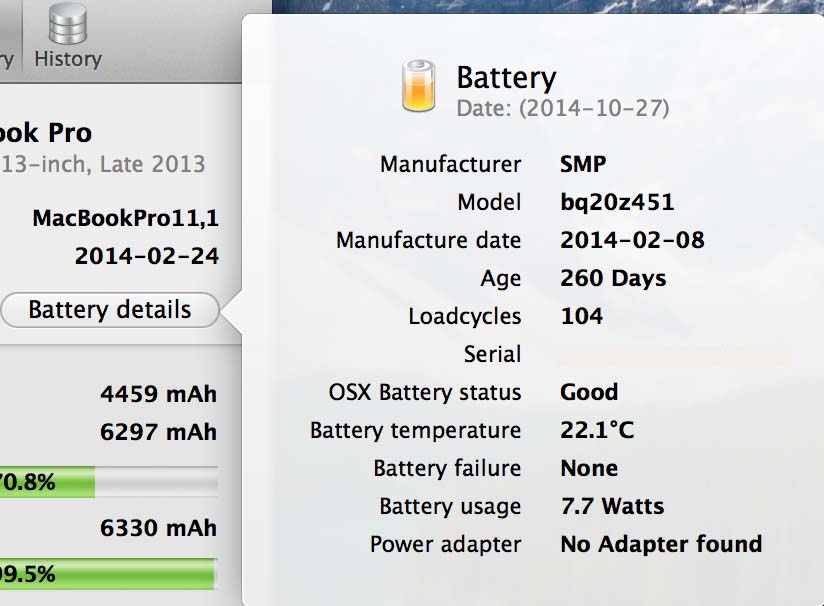
Today, We want to share how to read Coconut Battery for your Macbook Pro Retina. Coconut battery is a free downloadable software that you can check how healthy your battery condition is. The first thing to do is downloading Coconut Battery software to use. Here is the...
by P&T BROS | Oct 16, 2014 | Blog, Mac Tips, Mac Troubleshooting, Windows & Mac |
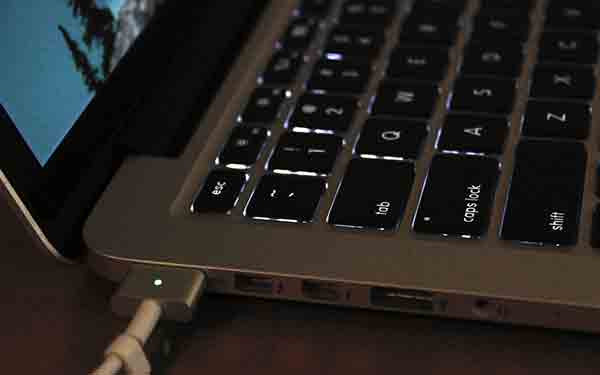
Today I’m going to show how to reset SMC & PRAM on your Macbook Pro retina. Sometime some functions such as USB ports, HDMI, MacSafe Adapter, and etc on your macbook pro retina are not working correctly. There are something called “SMC (System...
by P&T BROS | Sep 20, 2014 | Blog, Mac Tips, Windows & Mac, Windows Tips
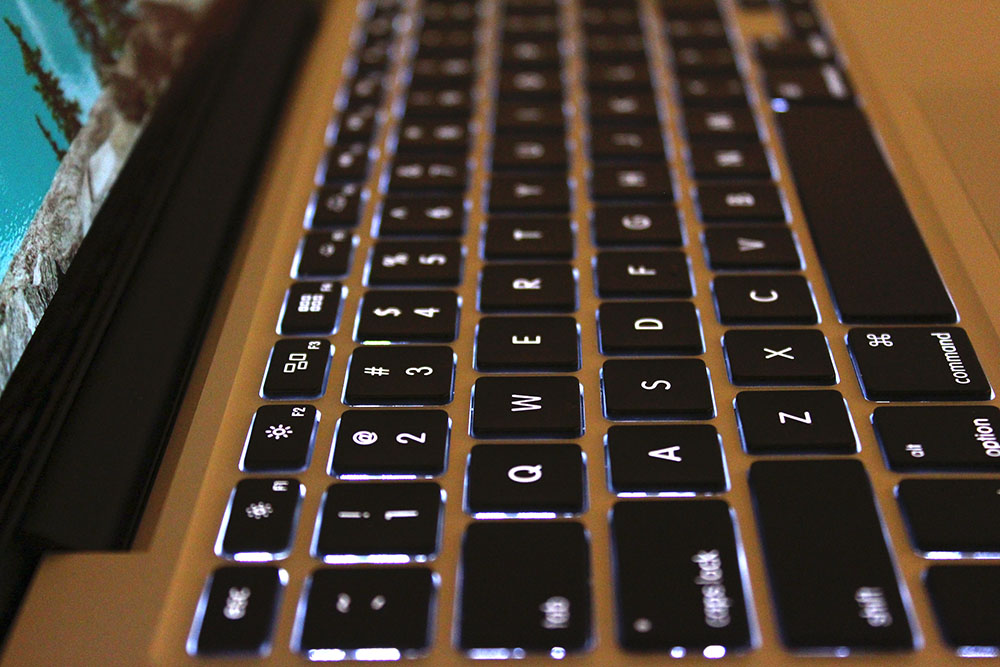
Here is the shortcuts collections for MacBook & Windows computers! It will help you a lot to work on Mac & Windows operating system ! It was really difficult to get used with the MacBook keyboard for myself have been using windows for more than 10...
by P&T BROS | Sep 20, 2014 | Blog, Mac Tips, Windows & Mac
How to capture a screenshot on MacBook Pro Retina or any kind of MacBooks. First to Macbook, and want to take a screenshot on your Macbook ? Do not know how ? Do not worry. We understand that there are many people wanting to know how to capture a screenshot....
by P&T BROS | Sep 17, 2014 | Blog, Mac Tips, Windows & Mac |
If your MacBook gets slower or lot of error messages appeared? Here is an one of the solutions to make your macbook faster and reliable. Don’t Worry! It’s not that difficult! Here is an easy instruction of how to restore factory default on Mavericks OS X...