by P&T BROS | Mar 4, 2016 | Blog, Mac Tips, Windows & Mac
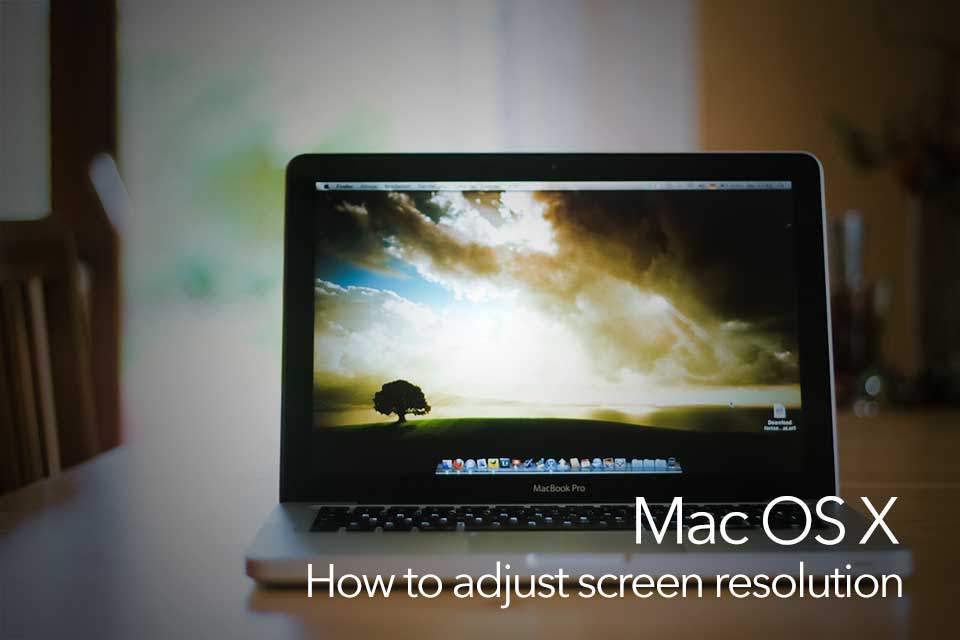
Today we are going to share how to change screen resolution size on Mac OS X El Capitan. It’s pretty simple but it’s for the people who are not familiar with Mac operating system. If you are in trouble changing your screen resolution size in Mac, Hope you...
by P&T BROS | Dec 1, 2015 | Blog, Mac Tips, Windows & Mac
Are you trying to record screen on your Macbook Pro or Air? but don’t know how to record? Don’t worry! We are here to share how to record screen on Mac OS X. Fortunately there is a screen record software called Quicktime on Mac OS X, so you don’t...
by P&T BROS | Oct 16, 2015 | Android & iOS, Blog, iOS Tips, Mac Tips, Windows & Mac
Today we are going to share how to send and receive files, pictures, and songs between Macbook and iPhone or iPad using AirDrop. It’s very convenient to use AirDrop to share files between Mac OS X and iOS. the most good thing about using AirDrop is that you...
by P&T BROS | Oct 8, 2015 | Blog, Mac Tips, Windows & Mac
Today we are sharing how to enable and disable automatic Mac OS X software update. Generally if the automatically check for update option is turn on, our Mac automatically gets a message to update to the latest software when the Apple releases a latest version of Mac...
by P&T BROS | Oct 6, 2015 | Blog, Mac Tips, Windows & Mac
Today our children are exposed to electronic devices such as laptops, cellphone, tablets, and they are using it almost everyday. It’s ok to be used for their need on purpose of doing homework and researching for school work, but what we concern is that some...
by P&T BROS | Oct 6, 2015 | Blog, Mac Tips, Windows & Mac
Do you want to get more resolutions than 1680 x 1050 on Macbook Pro Retina? but don’t know how? Like we know Macbook Pro Retina display can get up to 2560 x 1600 resolution in 13 inches, but Macbook Pro Retina only supports 1024 x 640, 1280 x 800, 1440 x 900,...