by P&T BROS | Mar 14, 2016 | Blog, Mac Troubleshooting, Windows & Mac |
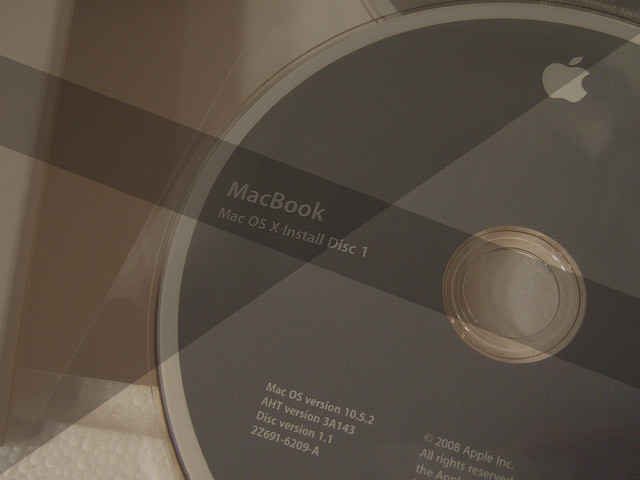
Having a trouble with the Mac OS X El Capitan installation? Got this error message screen “OS X could not be installed on your computer – file system verify or repair failed” while installing El Capitan? Don’t worry. Today we are going to share...
by P&T BROS | Mar 11, 2016 | Blog, Windows & Mac, Windows Troubleshooting
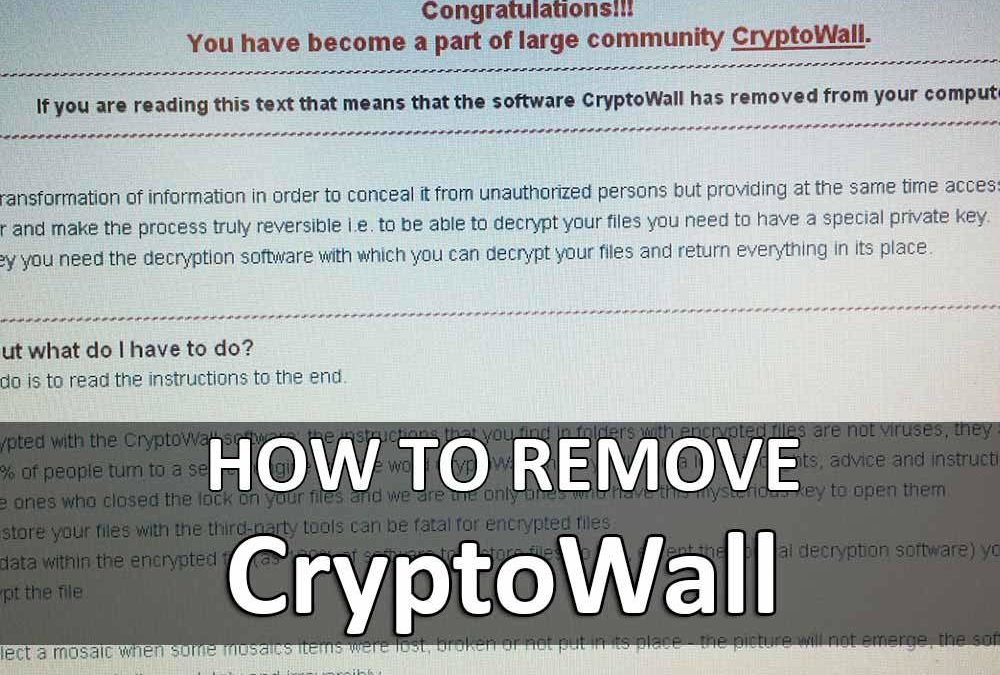
Do you get a popup at Windows startup saying “You have become a part of large community CryptoWall” ? Hello! It’s P&T IT BROTHER. Today, we are going to let you know how to get rid of the CryptoWall thing! What is CryptoWall and what does...
by P&T BROS | Mar 10, 2016 | Blog, Windows & Mac, Windows Troubleshooting |
Are you having problems with Microsoft Edge in Windows 10 ? If yes, you are normal. Right now, many people have problems with the new Microsoft Edge web browser in Windows 10. Some people say that they cannot open, some people say that they got blank page when open...

by P&T BROS | Mar 8, 2016 | Blog, Mac Troubleshooting, Windows & Mac
Today we are going to share how to fix URL address bar on Safari web browser in Mac OS X El Capitan. I had this issues this morning after updating Mac OS X. If you are having the same problem as shown as the picture below after updating to El Capitan, try this method....
by P&T BROS | Mar 8, 2016 | Blog, Windows & Mac, Windows Tips |
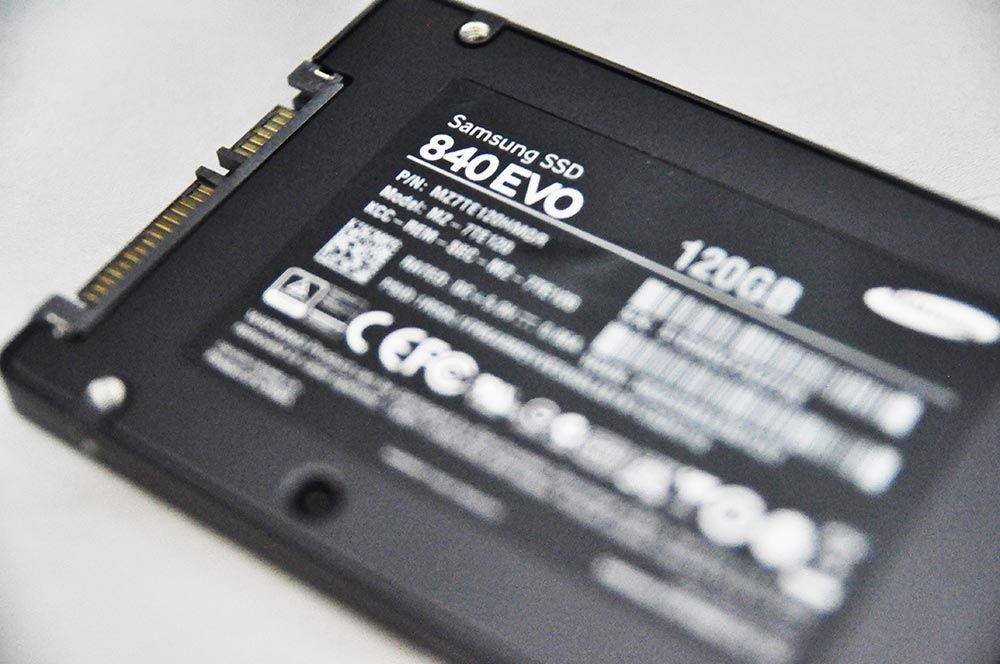
How to optimize SSD in Windows 10, Windows 8, and Windows 7 – Part 2 Here come the second part of SSD optimization! Let’s optimize SSD well and use it well! If you directly visited this webpage without reading our first part of how to optimize SSD...
by P&T BROS | Mar 7, 2016 | Blog, Windows & Mac, Windows Troubleshooting
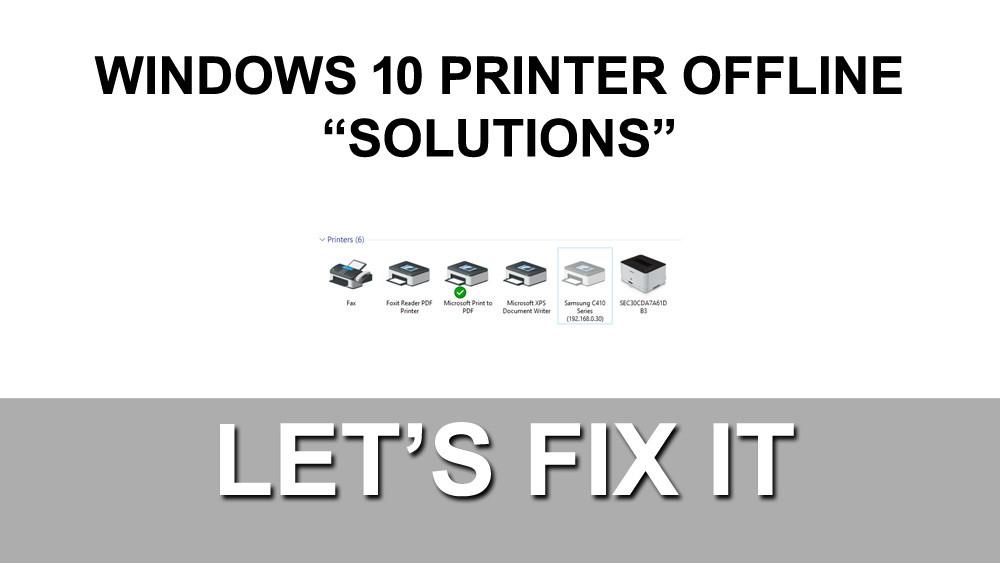
Does your printer offline in Microsoft Windows 10 & Windows 8 ? Hello everyone! It’s P&T IT BROTHER. Today’s troubleshooting is about printer becoming offline in Microsoft Windows 10. Even with the power and right connection, your printer...