

Users who used to use Windows operating system generally uninstall softwares through Control Panel, but there is no Control Panel in Mac OS X. In order to uninstall softwares & programs in Mac operating system, We need to navigate to the specific program folder and delete files manually. Today, We are going to show how to uninstall softwares and programs completely in Mac OS X. Please follow the instruction below.
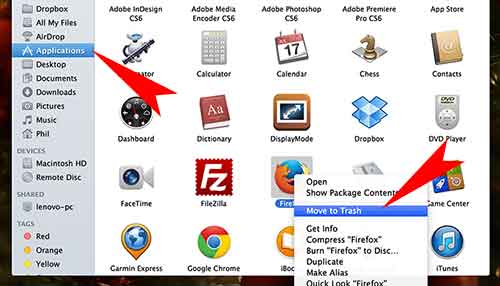
Step 01. Go to Finder > Application > Find the program that you want to uninstall > Right Click on that program > Click Move to Trash
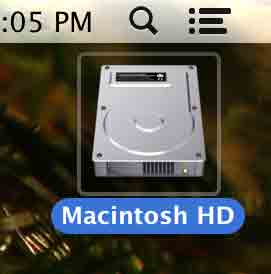
Step 02. Double Click your hard drive on Desktop (How to see your hard drive on your desktop)
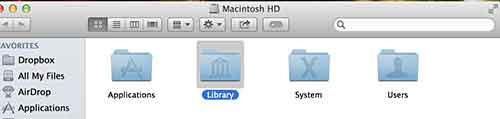
Step 03. Go to Library > Application Support
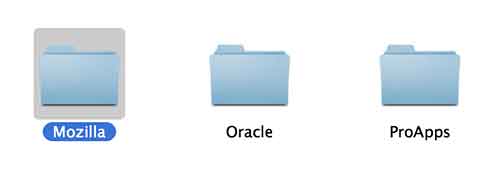
Step 04. Find the program folder that you want to delete > Right Click on the folder > Move to Trash
Step 05. Right Click on the Trash icon and Click Empty Trash



Thank you for the article. I have one question. What will be if you will delete app’s files in Library and no delete application?
There is free app to clean application support faster.
https://itunes.apple.com/us/app/app-cleaner-find-remove-applications/id1013897218?ls=1&mt=12