Applying new thermal compound for Dell Latitude E4300 laptop – Jan 8, 2016
Good evening people.. Today, we have disassembled one of our refurbished Dell Latitude E4300 laptop. This laptop was refurbished, and it is in great condition expect one thing. The laptop temperature. It is higher than normal temp. It was kind of overheating. So.. We assumed that the thermal grease would be dried out. Let’s disassemble this machine first, and let’s add new thermal compound to cool the computer temp. Let’s do it! 😀 😀 😀
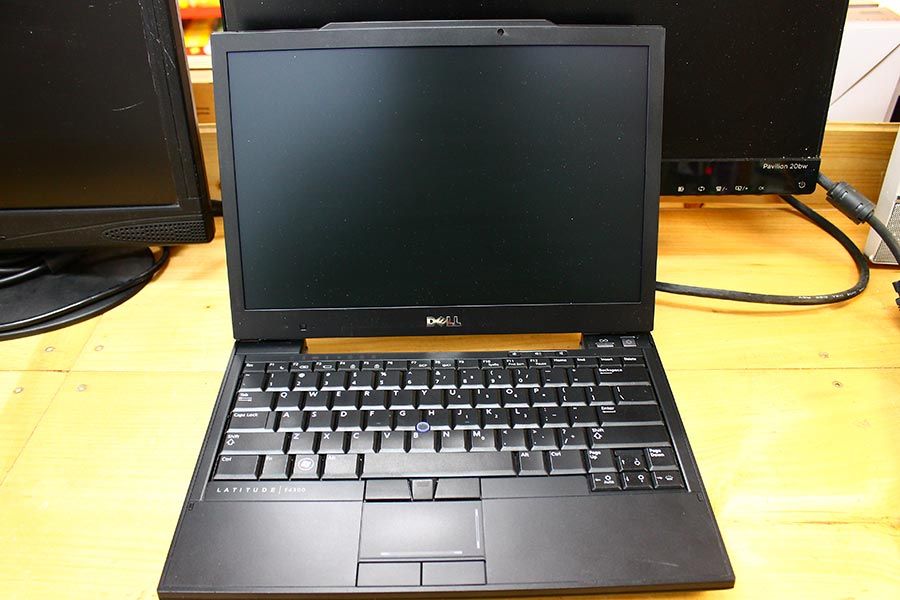
Here is the refurbished Dell Latitude E4300 laptop. This is a small yet sturdy laptop built for business use. What are we waiting for ? Let’s disassemble it. 🙂
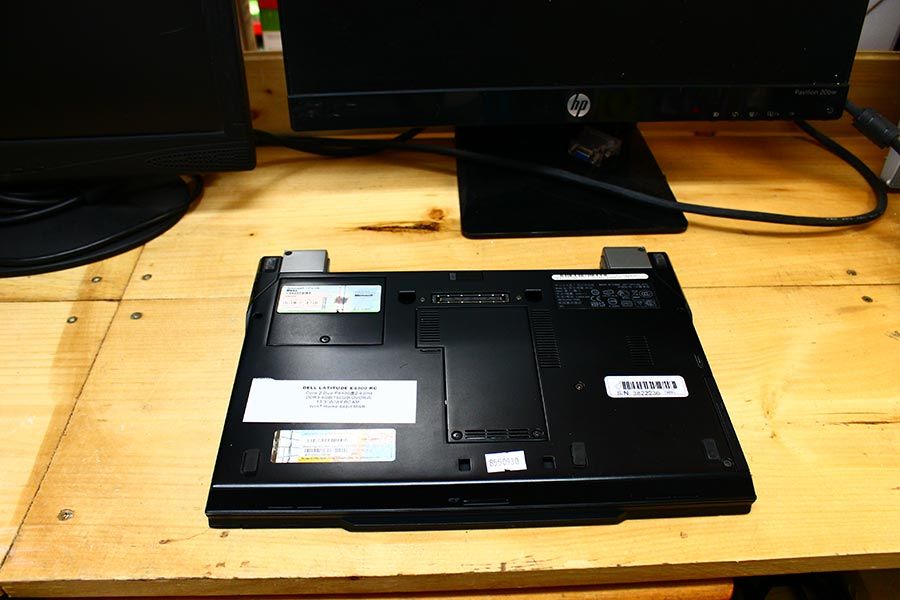
Let’s get started!
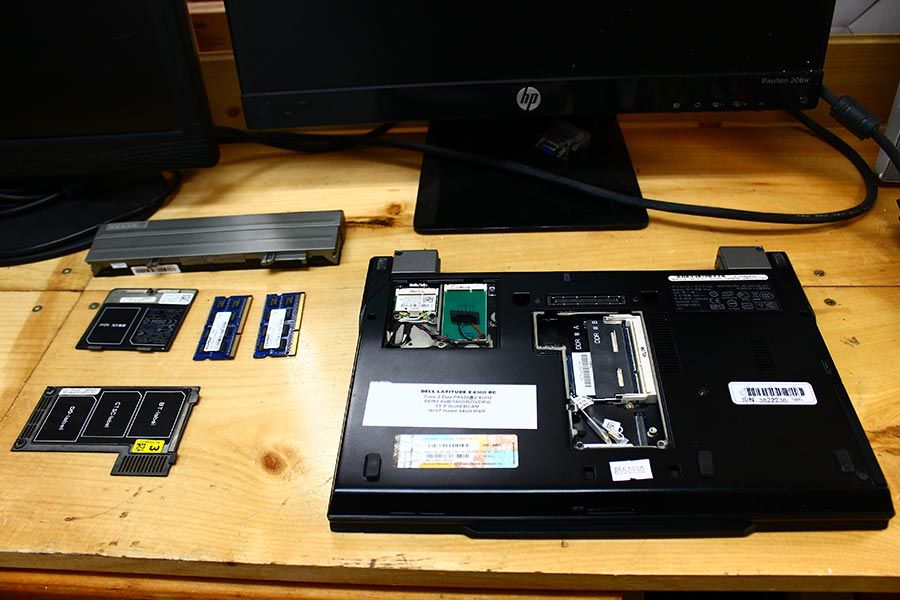
Let’s remove everything we can…
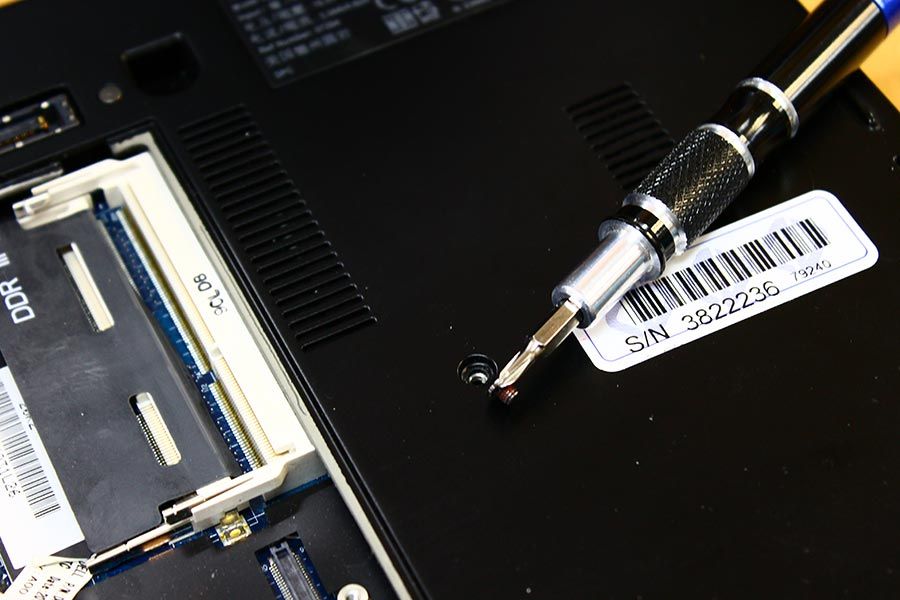
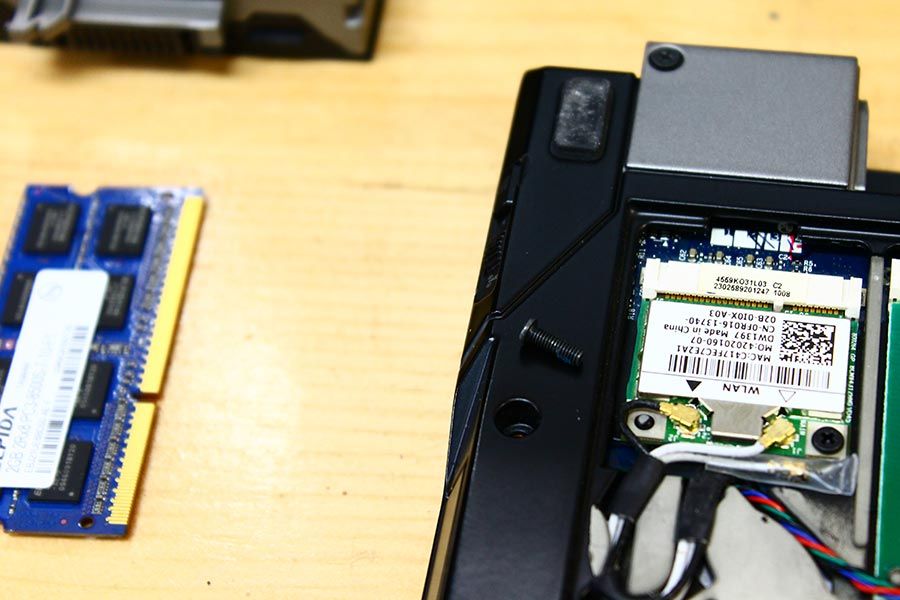
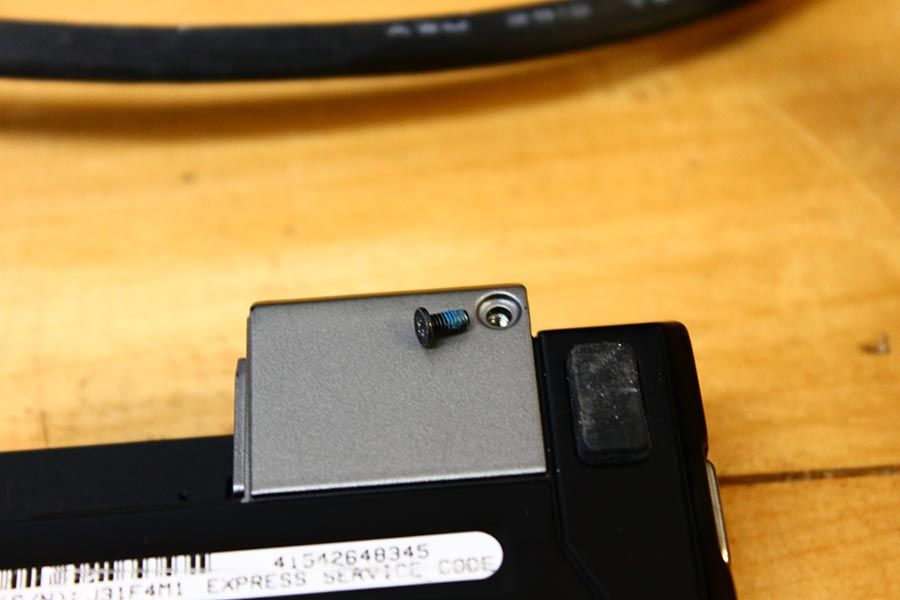
When it comes to disassembly, it is better to remove all screws that you see. 😀 😀 😀 Do not miss a screw.
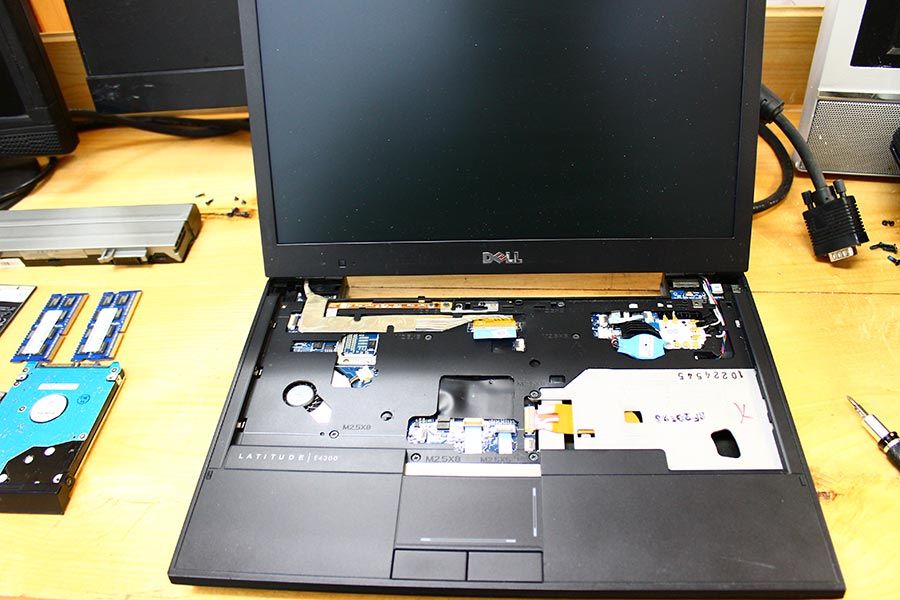
The keyboard has removed. If you would like to know how to remove the keyboard of replace it, go to this page for more details: https://www.pntbrother.com/dell-e4300-keyboard-replacement-november-20-2015/
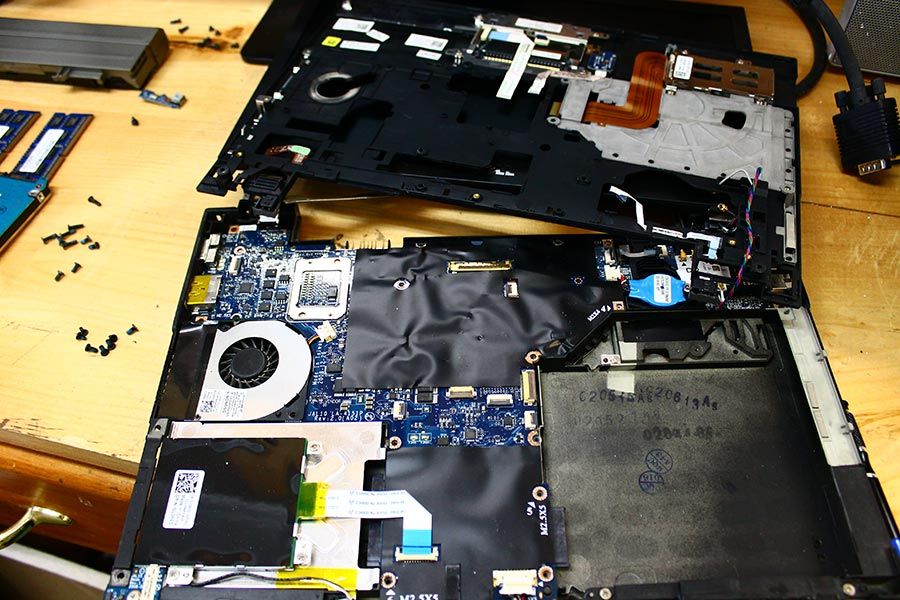
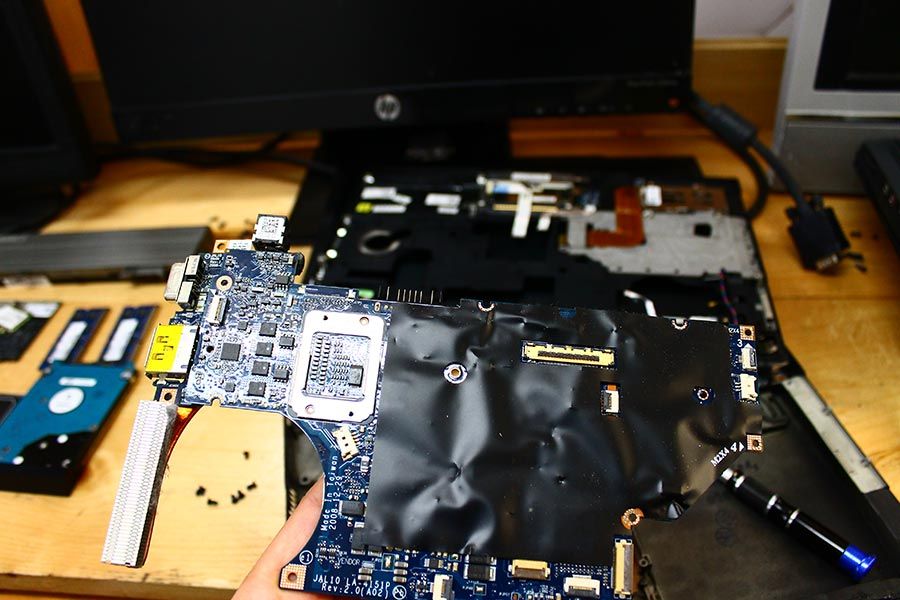
Now we see the motherboard!! We are almost there! Let’s prepare the thermal compound. 😀 😀 😀
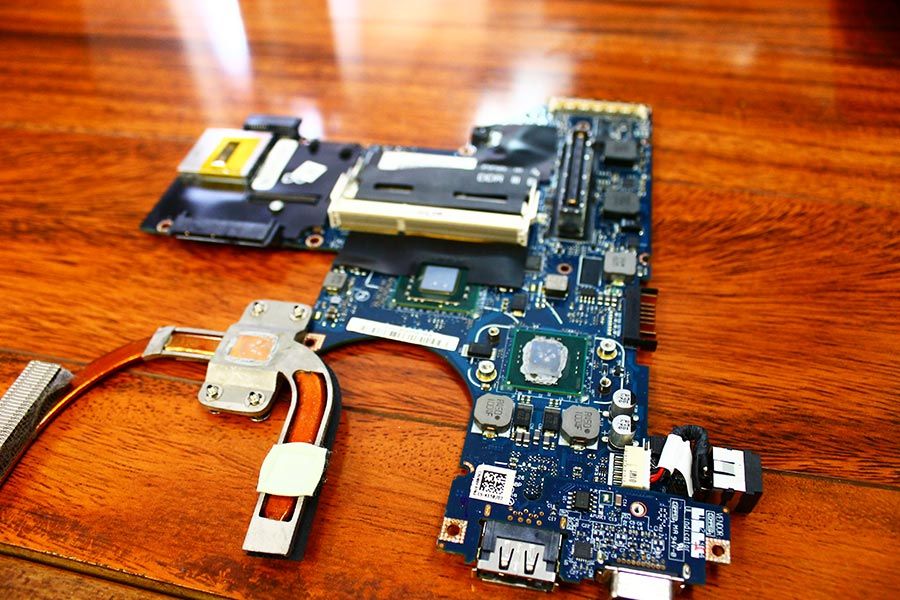
As we expected, the thermal compound on the Intel processor, and the video chip are dried out.
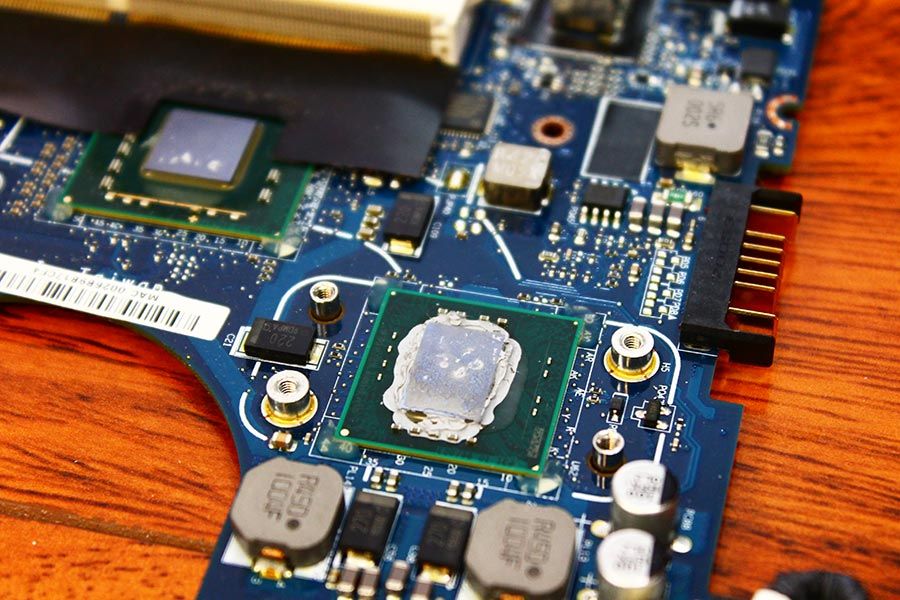
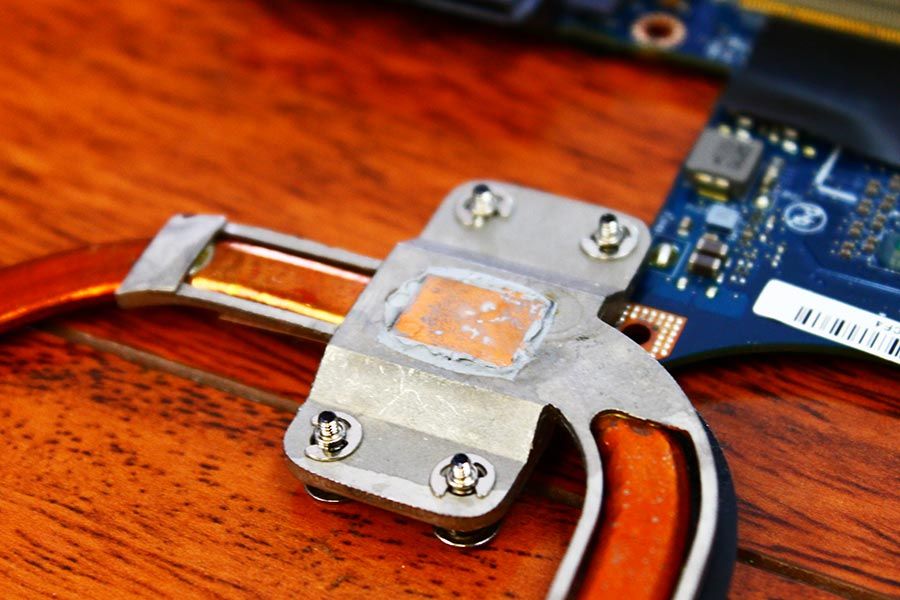
Let’s get closer and see.
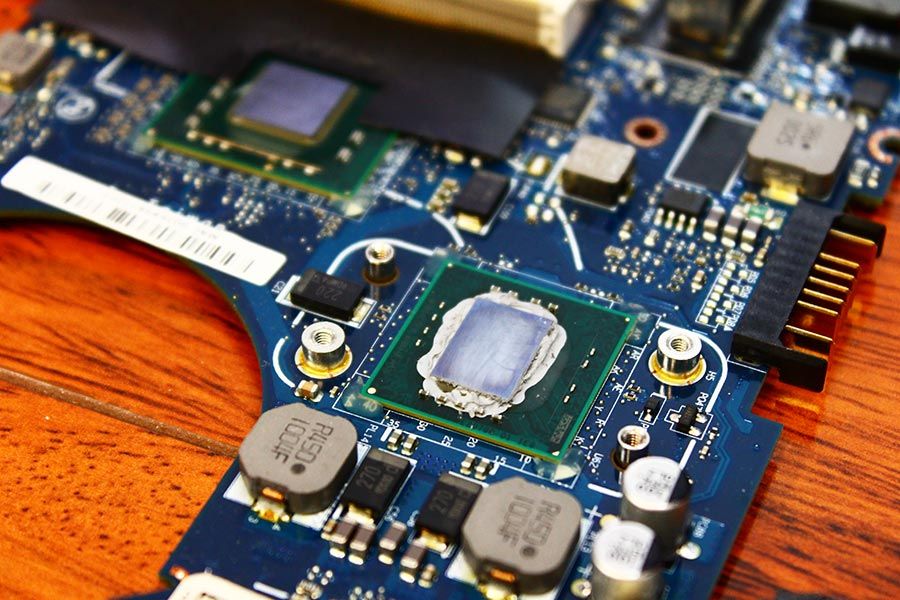
Before we apply new thermal compound, it is better to remove all existing thermal compound.
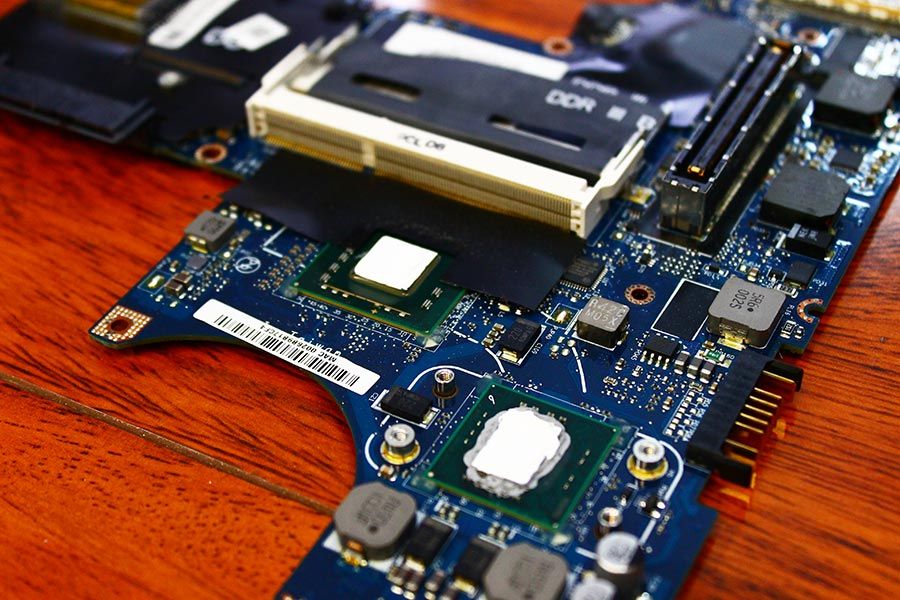
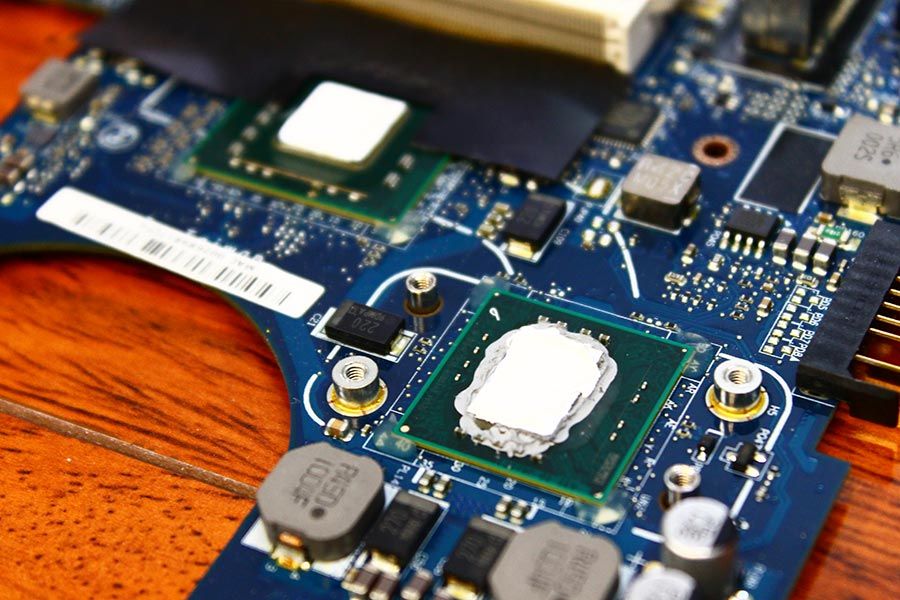
New thermal compound applied on both processor and the video chip. Looks great! 🙂 🙂 🙂
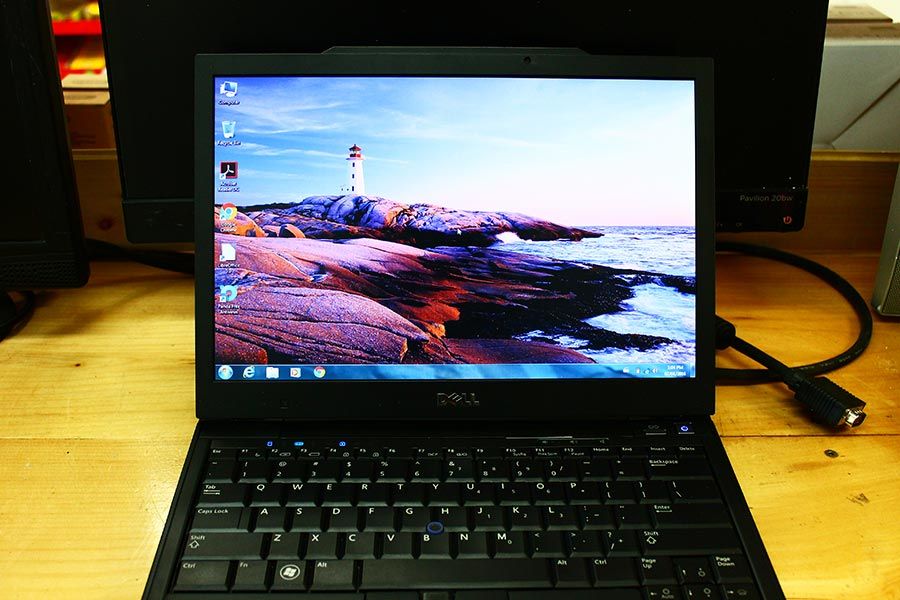
Re-Assembly done! Works like a charm, and runs cool! 🙂 🙂 🙂
Thank You! and Happy New Year!